Network Services in Bloemfontein
If your business relies on cloud apps, VoIP calls, point-of-sale systems, video meetings, or security cameras, your network has to be stable every day. For many local teams, the biggest problems aren’t the internet line itself. The issues usually start inside the building, where outdated cabling, poor Wi-Fi layout, or an overloaded switch cabinet turns normal office demand into slow speeds and random dropouts.
LAN Systems provides network services Bloemfontein businesses can rely on, with a focus on practical IT infrastructure solutions that suit the way local offices work. From new office network setup projects to ongoing LAN support and network maintenance, the goal is simple: keep your people connected, reduce downtime, and make the network easier to manage as you grow.
When your network is “working”, but work is still slow
Many Bloemfontein offices only notice their network design when something breaks. Before that point, staff often adapt by using mobile hotspots, moving desks to chase signal, or restarting devices during meetings. Over time, these workarounds become normal, even though they cost time and create frustration.
Slow file access, unstable Wi-Fi performance, and patchy coverage in meeting rooms often point to internal network limitations. Common causes include old network cabling, too few data points, consumer-grade routers used in business spaces, and a switch cabinet that grew without planning. When you’re adding more cloud tools, more devices, and more users, a “good enough” setup can turn into a bottleneck quickly.
If your office is expanding, hiring more staff, or adding cameras and VoIP phones, it’s worth reviewing the network before productivity takes the hit. In many cases, small changes in cabling, layout, or cabinet structure fix problems that people assumed were unavoidable.
Network services Bloemfontein businesses use to keep connectivity stable


A business network is not one thing. It’s the combination of cabling, switching, wireless access, security, monitoring, and support that keeps data moving reliably. LAN Systems offers network-focused services designed around real office needs, including installation, maintenance, and Wi-Fi performance improvement, alongside structured cabling and network infrastructure work.
For day-to-day operations, most businesses need a network that supports predictable speed, secure access, and stable coverage. That means the basics have to be right, from the quality of terminations and cable routes to the placement of Wi-Fi access points and the health of switches in the cabinet. When those basics are handled properly, the network becomes quieter. Fewer dropouts, fewer urgent fixes, and fewer “it only works in that corner” conversations.
If you’re not sure where to start, a good approach is to treat your network like a system that should be designed, documented, and maintained. That’s what separates a reliable office network setup from a collection of cables that happened over time.

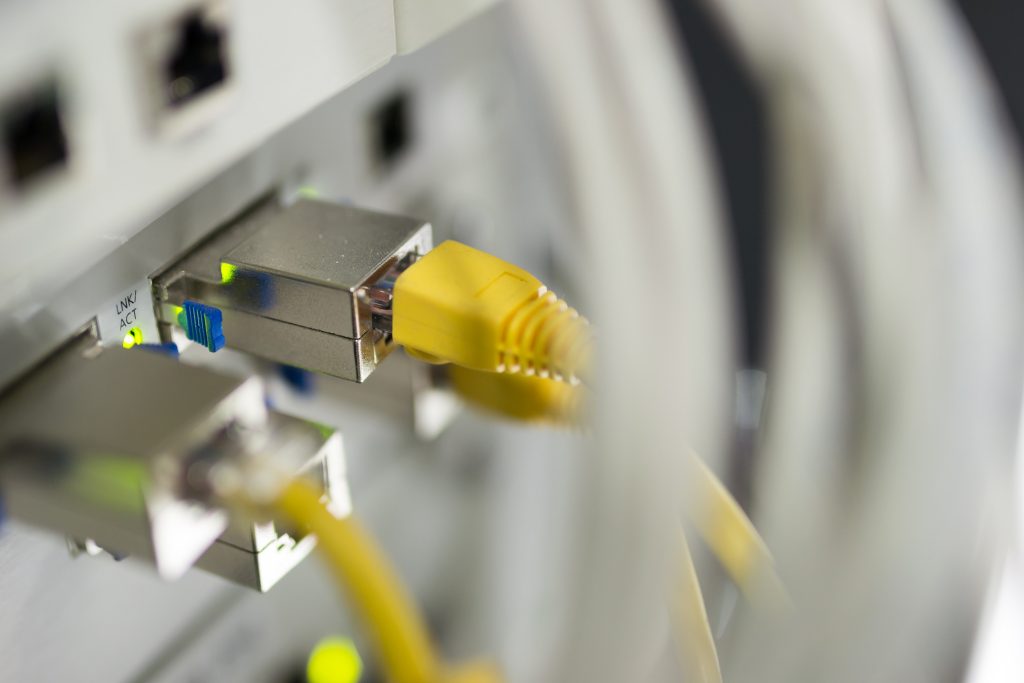
IT infrastructure solutions that match how Bloemfontein offices operate
Bloemfontein businesses often operate in mixed-use spaces. Some offices are in business parks, some are in converted homes, and many have been updated in phases. That environment creates a common challenge: the network grows faster than the infrastructure behind it.
IT infrastructure solutions should account for how your team actually uses the network. A small business IT environment might need stable Wi-Fi for customer-facing areas, wired connections for key workstations, PoE for phones and cameras, and a cabinet layout that supports quick troubleshooting. A larger operation may need segmented networks for staff and guests, stronger internal security, and monitoring that picks up early warning signs before users feel the impact.
LAN Systems’ network and infrastructure services in Bloemfontein focus on creating stable building blocks, including structured cabling and fibre where appropriate, so the network can handle demand as it increases.
How structured cabling supports business Wi-Fi, VoIP, and PoE
Wi-Fi performance does not start with the access point. It starts with the cable feeding it, the switch powering it, and the placement plan that matches your floor layout. When an office adds access points without structured planning, you often end up with strong signal in one area and weak coverage two rooms away.
Structured cabling is the organised approach that keeps cabling consistent, labelled, and easier to maintain. It supports reliable connectivity and makes it easier to trace faults, upgrade ports, or expand points when the office layout changes. It also supports PoE devices, which use Ethernet cabling to carry both data and power, commonly used for VoIP phones, access points, and IP cameras.
LAN Systems’ cabling and network infrastructure service pages highlight structured cabling as a key part of reliable connectivity for Bloemfontein businesses, especially as teams scale and device demand increases.
What a solid office network setup usually includes
A strong office network setup is built around clarity. You should be able to tell what connects where, what each port is for, and how to expand without guessing.
Most offices benefit from a mix of wired and wireless connectivity. Wired connections support stable performance for desks, printers, and servers, while wireless supports mobility and shared spaces. The hidden piece is how these connect back to the switch cabinet. If the cabinet is cramped, unlabelled, or overloaded, even good hardware will feel unreliable.
In practical terms, businesses often need enough data points for desks and key equipment, well-placed access points for coverage, a switch cabinet that has space for growth, and cable management that keeps airflow and maintenance simple. When these elements are planned together, troubleshooting becomes faster and the network becomes easier to manage, especially when staff or layout changes happen.
LAN Systems
Address
- 3A Arboretum Avenue, Westdene, Bloemfontein, 9301
- info@lansystems.co.za
- +27 51 430 1417
Location
Get in Touch

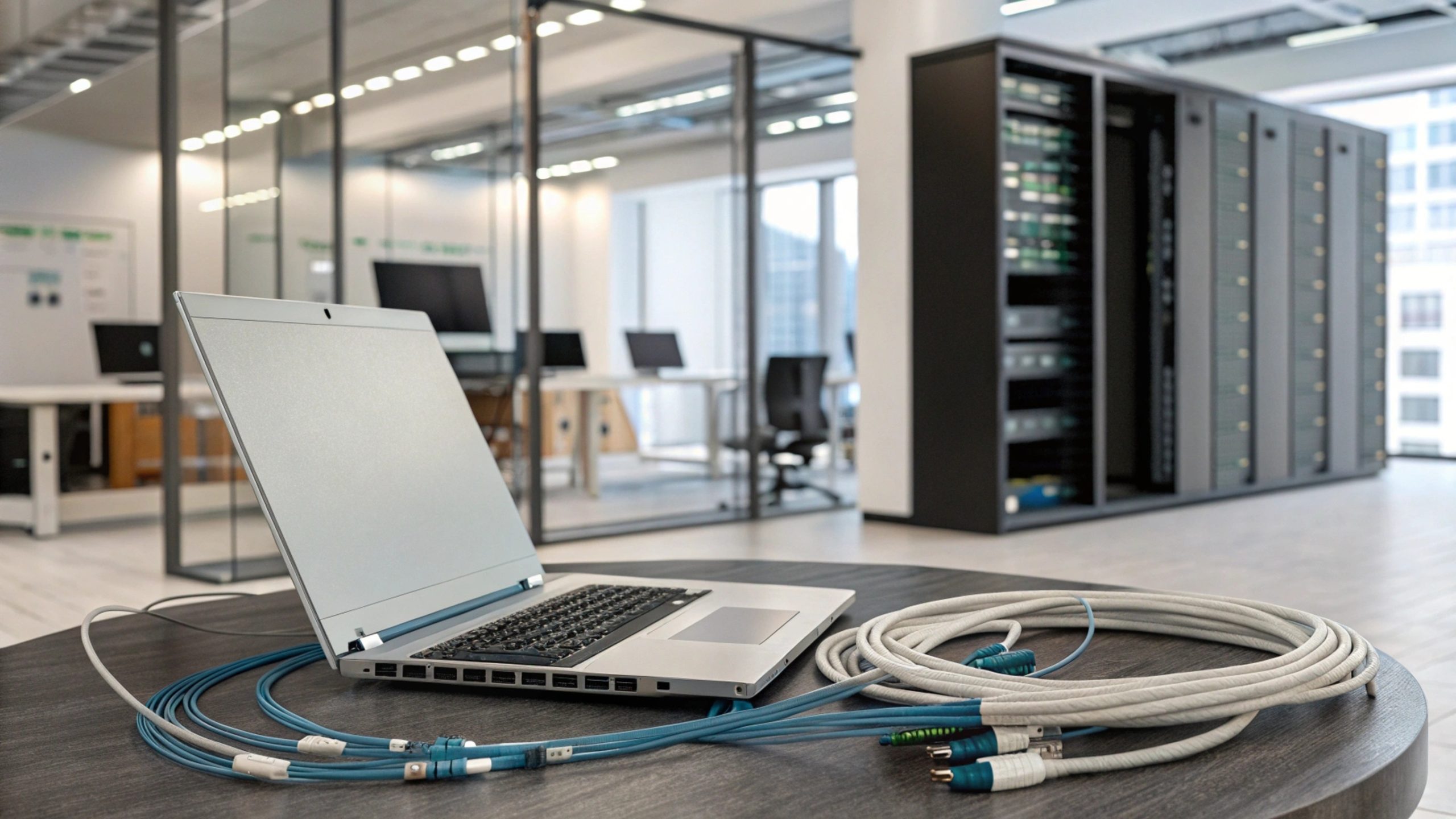
Switch cabinet and cable management that makes support easier
The switch cabinet is the heart of the office network. It’s where patch panels, switches, routers, and supporting hardware come together. When the cabinet is planned properly, it becomes a tool for stability. When it’s rushed, it becomes a source of recurring faults.
Good cabinet planning includes enough rack space for expansion, clean cable routes that reduce strain on ports, and patching that keeps desk ports organised. It also includes a basic approach to physical security and ventilation so the equipment can run reliably. Cable management matters more than most people expect, because messy routing often causes accidental disconnects, damaged connectors, and slow fault finding when something breaks.
If your team has ever avoided touching the cabinet because it looks too risky, that’s a sign the setup needs attention. A tidy, labelled cabinet changes support from reactive panic to predictable maintenance.
Network maintenance and LAN support that prevents repeat issues
Network maintenance isn’t only about fixing faults. It’s about preventing them, improving stability, and keeping documentation current so changes don’t create hidden problems later. For many teams, recurring issues come from small failures that were never addressed properly, like damaged terminations, overloaded switches, or access points placed where they can’t cover the full space.
Ongoing LAN support can include monitoring, planned checks, and targeted improvements, such as adjusting Wi-Fi placement, replacing old cables, or segmenting traffic to reduce congestion. LAN Systems references network monitoring and maintenance and Wi-Fi performance enhancement as part of its IT infrastructure solutions offering, which aligns with the needs of offices that want fewer surprises and more predictable performance.
Nearby areas and business hubs LAN Systems supports in Bloemfontein
Westdene
Westdene is a central business area with a mix of offices, retail spaces, and professional services. Many properties have been adapted over time, which makes cabling routes, cabinet placement, and Wi-Fi coverage planning especially important. LAN Systems operates from Westdene, which supports responsive service delivery for local business network needs.Langenhoven Park
Langenhoven Park includes business parks and growing commercial spaces where offices often need reliable Wi-Fi, structured cabling, and scalable switching as headcount increases. This is the kind of environment where PoE devices, extra access points, and a well-planned cabinet layout make a measurable difference in daily performance.Universitas
Universitas includes professional services, shared offices, and businesses supporting education and healthcare activity nearby. Networks in these environments often need stable coverage for meeting rooms and front-of-house areas, plus wired reliability for core workstations. A structured approach to network cabling and access point placement helps reduce dropouts and improves consistency across the space.What to check before choosing a network services provider
Choosing a provider for network services Bloemfontein businesses depend on comes down to clarity and workmanship. Decision-makers should ask what standards are used for structured cabling, whether every run is tested, and how labelling and documentation will be handled. You should also confirm how Wi-Fi planning is approached, including how access points are placed and powered, and whether PoE requirements are calculated rather than guessed. It’s also worth confirming what ongoing support looks like after installation. A strong install is the start, but networks change. New staff, new devices, and new software all increase demand. A provider should be able to guide upgrades, maintenance, and troubleshooting without forcing you into repeated rebuilds. To learn more, the LAN Systems website includes pages for Network Services and Network Infrastructure and Cabling, plus a Contact Us page for enquiries and site visits.FAQ: Network Services Bloemfontein
What are network services for a small business office?
Network services cover the design, installation, and support of the systems that keep your office connected. This usually includes network cabling, Wi-Fi setup, switching, and the ongoing maintenance that keeps performance stable. For a small business IT environment, network services often focus on reliable coverage, predictable speed, and a layout that supports growth without constant rewiring. The right setup also makes troubleshooting quicker because the network is documented and organised.
How do I know if my network cabling needs replacing?
If you have frequent dropouts, inconsistent speeds across desks, or ports that work “sometimes”, cabling is worth checking. Older cable types, damaged routes, and poor terminations can limit performance even if your internet line is fast. Another common sign is a cabinet full of unlabelled cables where nobody knows what connects where. A proper assessment can test cable runs, confirm speeds, and identify whether repairs or a structured cabling upgrade is the smarter long-term option.
Can Wi-Fi performance be improved without replacing everything?
In many cases, yes. Wi-Fi issues often come from access points placed in the wrong locations, too few access points for the floor plan, or weak backhaul cabling feeding the access points. If the cabling supports it, improving Wi-Fi can involve repositioning access points, adding additional units for coverage, and using PoE switching that delivers stable power. If the cabling is poor, you may still need structured cabling work to get consistent results across the office.
What is PoE and why does it matter for office networks?
PoE stands for Power over Ethernet, which means devices can receive power and data through one cable. This is common for VoIP phones, Wi-Fi access points, and IP security cameras. PoE matters because it affects switch selection, port planning, and cabling quality. If PoE demand is not planned properly, switches can run out of power budget and devices may drop offline. A well-designed network accounts for PoE requirements from the start so devices stay stable and coverage remains consistent.
What should I expect from a site assessment in Bloemfontein?
A site assessment should identify where your current network is limiting performance and what changes will make the biggest difference. That includes reviewing the switch cabinet location, checking cabling routes, mapping the points you need for desks and devices, and discussing Wi-Fi coverage requirements. It should also consider future growth so you don’t need another rebuild in a year. A good assessment results in a clear plan, not guesswork, and gives you a practical path toward a tidier, more reliable network.
Network Services Bloemfontein: Book a site assessment
If your business Wi-Fi is inconsistent, your cabinet is hard to manage, or your office network setup no longer matches the way your team works, it’s time to review the infrastructure behind the connection. The right changes can reduce downtime, make support simpler, and improve everyday performance across the office.
Book a site assessment in Bloemfontein to map your points, confirm the best switch cabinet location, and build a tidy upgrade plan that supports structured cabling, PoE devices, and reliable LAN support. For next steps, refer to the Network Services page, the Network Infrastructure and Cabling service page, or use the Contact Us page to request a quote.